Project Overview
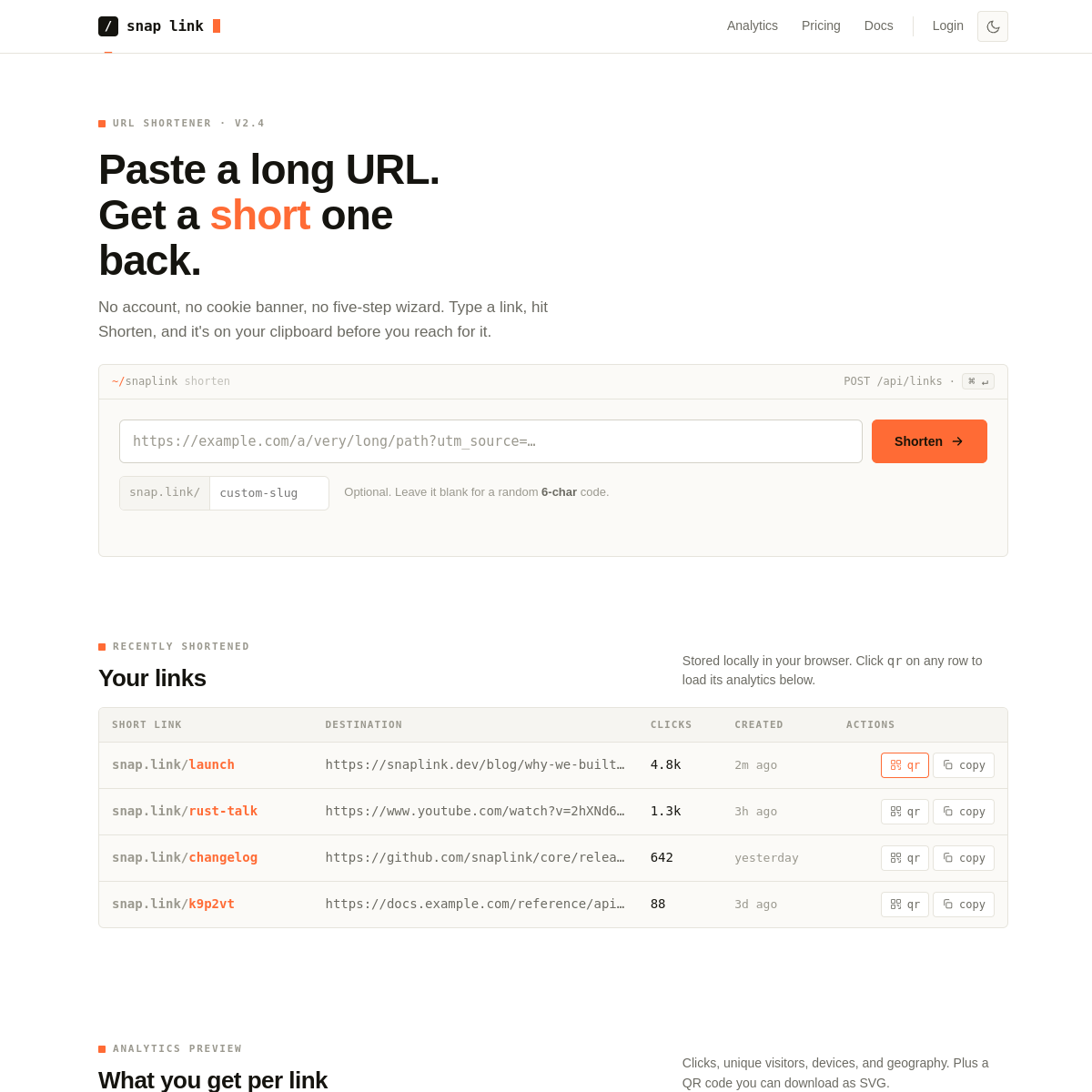
URL Shortener is a streamlined web app that converts long, cumbersome URLs into clean short links. Built for speed and simplicity, it gives users a short link they can copy instantly alongside a QR code for offline sharing.
The interface is intentionally minimal — paste a URL, get a short link, copy and go. No dashboard clutter, no analytics noise, no account required.
The Problem
Long URLs in printed material, presentations, and social bios are ugly and error-prone to type. Existing shorteners bury the core feature under dashboards and paywalls, or require authentication for basic use.
The Solution
A focused React app that prioritizes the one action users need: shorten and copy. The pairing of a short link with an auto-generated QR code makes it immediately useful for both digital and physical distribution without any extra steps.
KEY FEATURES
Instant Shortening
Paste any URL and get a short link immediately — no loading spinners, no queues, instant output.
One-Click Copy
Clipboard API integration lets users copy the short link in a single click with visual confirmation feedback.
Built-in QR Code
Every shortened link automatically generates a companion QR code — downloadable and ready for print.
Input Validation
Client-side URL validation ensures malformed inputs are caught before submission, with clear inline error messages.
Responsive Design
Works flawlessly on all screen sizes — the compact layout is optimized for mobile use while remaining comfortable on desktop.
Zero Friction UX
No accounts, no passwords, no onboarding. The entire flow from paste to copy takes under 5 seconds.
TECHNICAL
DETAILS
Tech Stack
Challenges & Solutions
Challenge
Providing reliable URL shortening with redirect without a custom backend or database.
Solution
Integrated a lightweight URL shortening API to handle the server-side link creation and redirect logic, keeping the frontend React app stateless and serverless.
Challenge
Clipboard write access varies by browser and requires user permission on some systems.
Solution
Implemented graceful fallback using document.execCommand for older browsers, with clear visual feedback (button state change + toast) to confirm the copy succeeded regardless of the method used.
PROJECT PREVIEW
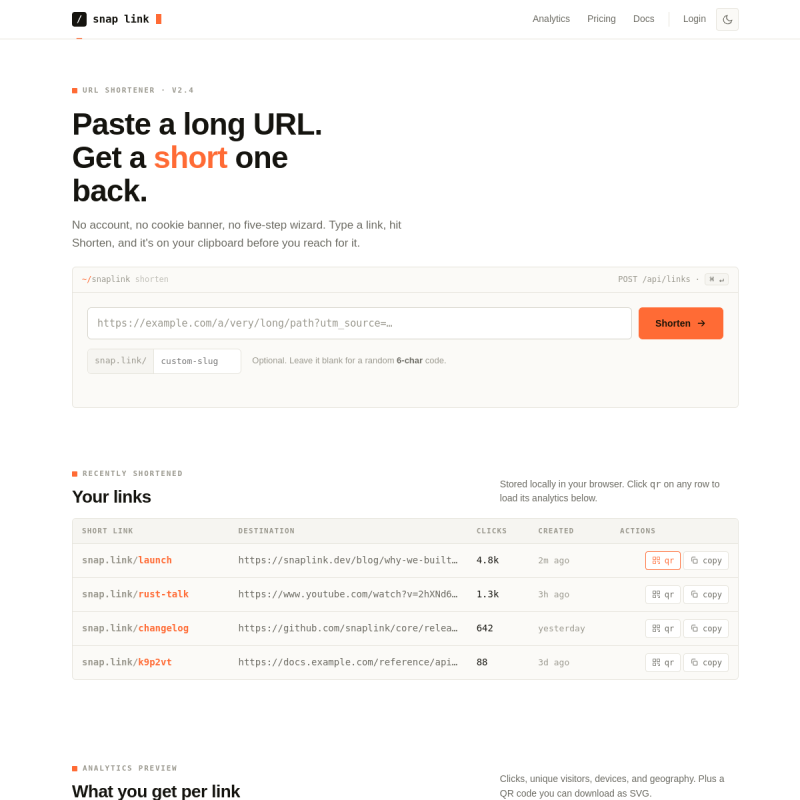
Desktop · Input State
Narrow · Mobile Layout
WANT A TOOL
LIKE THIS?
I build focused, frictionless web tools that users actually enjoy. Fast to ship and clean by design.